
This is an instruction manual for Sony digital video camera recorder DCR-TRV60E, which describes the features and characteristics of the product. It includes functions such as recording animations and still images, transferring images to a computer, adjusting exposure, enhancing image effects, and achieving a more natural look in captured images.
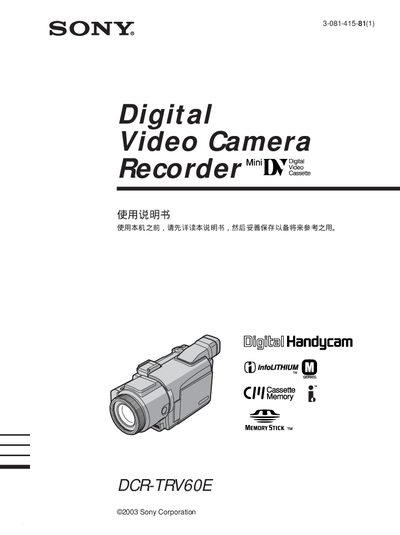
This manual explains how to set up and operate the Sony DCR-TRV60E camcorder, covering basic functions such as recording, playback, and using accessories like the Memory Stick and USB connection. It also details advanced features like digital zoom, night mode, and programmable AE settings.
Additional sections guide users through battery installation, quick start procedures, and troubleshooting common issues, ensuring reliable performance in various shooting conditions. This manual is written in Japanese.
Connect the camcorder to a PC using the USB cable and select the USB mode to view images on the computer.
Select the playback function and choose the files on the Memory Stick to view recorded videos.