
DCR-IP210E/ IP220E Digital Video Camera Recorder User Manual, introduces the main features and usage methods of the product
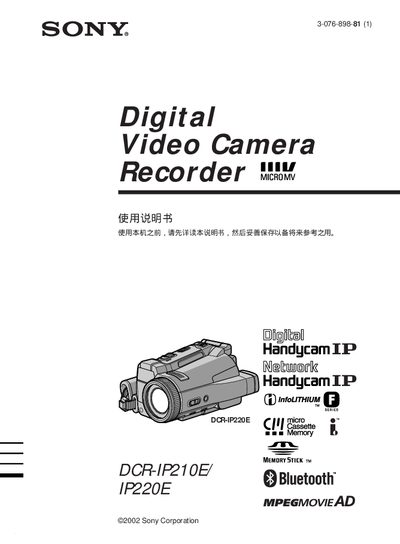
This manual covers the basic operation of the Sony DCR‑IP210E and DCR‑IP220E Handycam camcorders, including how to install the rechargeable battery, insert and use Memory Stick media, and navigate the on‑screen menus. It also explains the various shooting modes such as Back Light, Night Shot, and Program AE.
Additional sections describe connectivity options like i.LINK and USB for transferring video to a computer, Bluetooth functions, and detailed troubleshooting procedures. An index at the end helps locate specific topics quickly. This manual is written in Japanese.
| Memory Stick support | Can record, playback and transfer video on Memory Stick |
|---|---|
| i.LINK interface | Supported for video transfer (i.LINK only supports specific formats) |
| Bluetooth | Bluetooth function available |
| USB connection | Supported for video transfer and playback |
Open the battery compartment, insert the rechargeable battery with the correct polarity, and close the compartment as shown in the manual.
The camcorder supports Sony Memory Stick cards for recording, playback, and transferring video files.