
DCR-DVD7E is a digital camcorder that can record and play DVD discs, and can be connected to a computer for copying and editing
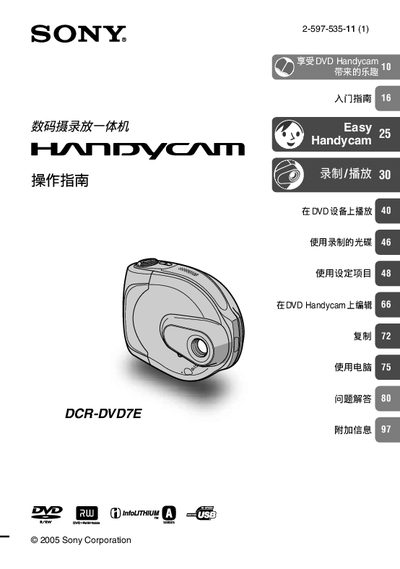
This manual explains how to safely use the Sony DCR‑DVD7E Handycam, covering fire‑hazard precautions, protection from rain and humidity, and handling tips to avoid mechanical damage. It also describes the LCD display characteristics, basic menu navigation, and how to set date, time, and language options.
Detailed sections cover DVD recording with supported 8 cm discs, playback on compatible DVD players, USB connection procedures, and the use of the Carl Zeiss lens system. The guide includes troubleshooting tips for common issues such as LCD dot artifacts and disc compatibility. This manual is written in Japanese.
| Supported DVD disc size | 8 cm DVD‑R, DVD‑RW, DVD‑+RW |
|---|---|
| Lens manufacturer | Carl Zeiss |
No. The device only supports 8 cm DVD‑R, DVD‑RW and DVD‑+RW discs.
Keep the camera away from rain, humidity, and fire sources; do not expose it to wet or damp environments.
Connect the USB cable correctly and ensure the camera is powered on before establishing the connection.
These dots are normal and may appear due to the LCD technology; they do not affect image quality.