
This manual details the operations of VP-D323(i)/D325(i)/D327(i)
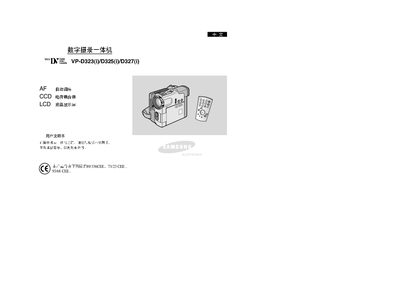
This manual covers safety precautions, basic operation steps, and detailed menu functions for the Samsung VP‑D323/D325/D327 all‑in‑one videography camera. It includes instructions for setting the clock, adjusting white balance, using digital zoom, and enabling night capture.
Additional sections describe audio mode selection, USB streaming, memory management, and troubleshooting tips, helping users get the most out of the device in various shooting environments. This manual is written in Chinese.
| CCD sensor | present |
|---|---|
| LCD display | present |
| Auto Focus | enabled |
| Digital Zoom | available |
Use the Clock Set function in the menu to adjust date and time.
Activate the USB Streaming function to stream video to a connected device.