
This is a user manual of Canon VP-D451(i)/D453(i)/ D454(i)/D455(i) digital video camera
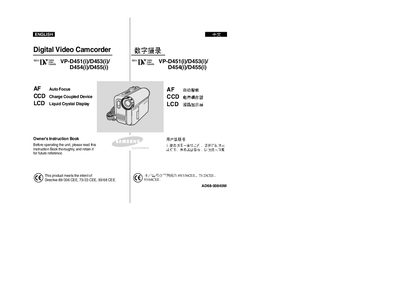
This manual covers the Samsung VP‑D451(i), VP‑D453(i), VP‑D454(i) and VP‑D455(i) all‑in‑one digital video camcorders. It explains how to set up the device, install batteries and accessories, and operate recording and playback functions.
Key sections include safety and handling notes, battery installation and charging, LCD screen operation, menu navigation, recording modes, photo capture, video playback, TV connection, memory‑card usage, maintenance, troubleshooting, and a full specifications table.
| Focus type | AutoFocus |
|---|---|
| Image sensor | CCD (Charge Coupled Device) |
| Display | LCD (Liquid crystal Display) |
| Battery type | Lithium‑Ion Battery Pack |
| Maximum operating temperature | 60 °C (140 °F) |
Rotate the LCD screen carefully as illustrated; over‑rotation may damage the hinge inside the camcorder.
Do not let the camcorder get wet; exposure to moisture can cause damage that may not be repairable.