
This manual introduces basic operations of Casio Digital Camera VP-D361(i)/D361W(i)/D362(i)/D363(i)/D364W(i)/D365W(i).
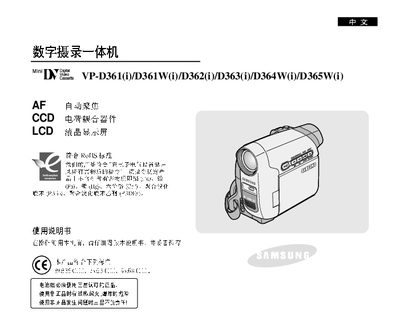
This manual provides step‑by‑step instructions for using Samsung VP‑D361, VP‑D361W, VP‑D362, VP‑D363, VP‑D364W and VP‑D365W digital camcorders. It explains basic functions, shooting modes, menu navigation, and how to manage memory cards and playback.
The guide also includes safety warnings, accessory lists, connection methods (IEEE‑1394, USB, PictBridge), advanced shooting techniques, and troubleshooting tips to help users maintain reliable performance. This manual is written in Chinese.
| Digital Zoom | 1200x |
|---|---|
| LCD Resolution | 230,000 pixels |
| Display Aspect Ratio | 16:9 |
| Supported Memory Cards | Memory Stick Duo, Memory Stick PRO, MMC, SD |
The camcorder supports Memory Stick Duo, Memory Stick PRO, MMC and SD cards.
Yes, the camcorder supports PictBridge printing to a compatible printer.
Rotate the LCD screen gently and avoid excessive rotation to prevent damage to the screen or the camcorder body.