
This document is an owner's instruction book for a digital video camcorder, describing the features and characteristics of the product.
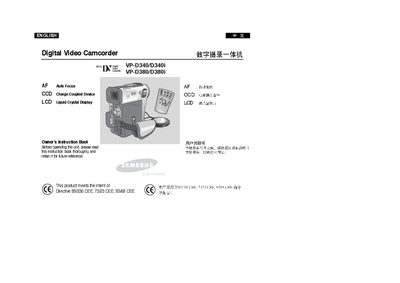
This manual covers safety instructions, handling, and basic operation of the Samsung VP-D340/D340i digital camcorder, including LCD handling, battery usage, and recording functions. It also details advanced features such as digital zoom, electronic image stabilization, and various recording modes.
Additional sections describe connecting to external devices via USB, IEEE 1394, and memory stick usage, as well as maintenance tasks like video head cleaning and battery care. An index and specifications are provided at the end of the document.
| Display | LCD Liquid Crystal Display |
|---|---|
| Image Sensor | CCD (Charge Coupled Device) |
| USB Interface | Available |
| IEEE 1394 (i.LINK) Interface | Available for DV connections |
Rotate the LCD screen carefully as illustrated; over‑rotation may damage the hinge.
No, only a dry‑type cleaning cassette should be used; a wet cassette may damage the video heads.