
This is a product manual that introduces the features of the VP-D301(i)/D303(i)/D305(i)/D307(i) digital camera, including autofocus, LCD display, start/stop, self-timer, audio copy, zero storage, photo display, X2 slow motion, fast forward, photo search, date/time, etc.
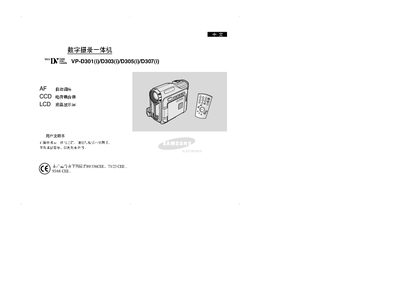
This manual covers safety and handling instructions for the Samsung VP‑D series camcorders, including precautions for rotating the LCD screen, battery care, and protection against moisture and extreme temperatures. It also explains basic concepts of the all‑in‑one device, such as the CCD image sensor and LCD display, and provides an overview of the front, left, and rear views.
Detailed sections describe installation, connection to external devices (IEEE‑1394, USB), selection of recording modes, advanced shooting techniques, menu configuration, night‑capture functions, playback options, and memory‑card handling. Battery‑pack usage, charging procedures, and maintenance tips such as video‑head cleaning are also included. This manual is written in Chinese.
| Display | LCD screen |
|---|---|
| Image Sensor | CCD |
| Supported Memory Media | Memory Stick |
| Data Transfer Interface | IEEE 1394 (FireWire) |
Rotate the LCD screen carefully and avoid excessive force, as over‑rotation can damage the display.
No. The device must not be exposed to moisture, rain, sea water, or high humidity, as moisture can cause irreversible damage.
Use the supplied cleaning kit to gently clean the video head; do not use harsh chemicals that could damage it.