
This is an instruction manual for a digital camcorder, which provides detailed information on the characteristics and usage of the camcorder
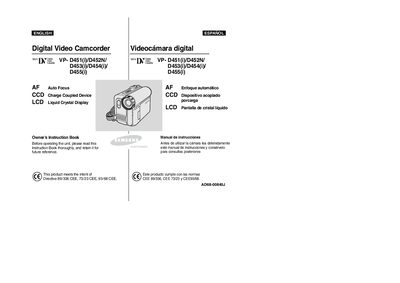
This Owner's Instruction Book covers the Samsung VP‑D451 family of digital video camcorders. It includes safety warnings, handling instructions, and guidance on battery use, LCD screen rotation, and basic operation. The manual also details warranty information and contact details for Samsung service centers.
The contents are organized into sections such as Getting to Know Your Camcorder, Basic and Advanced Recording, Playback, Digital Effects, Memory Card functions, Maintenance, and Troubleshooting. Each section explains how to use features like Auto Focus, CCD sensor, OSD menus, battery installation, and connectivity options (USB, FireWire, AV).
| Display type | LCD Liquid Crystal Display |
|---|---|
| Focus system | Auto Focus (AF) |
| Image sensor | CCD (Charge Coupled Device) |
| Battery type | Lithium‑ion |
| Maximum operating temperature | 60 °C (140 °F) |
Rotate the LCD screen carefully as illustrated; over‑rotation may damage the hinge inside the camcorder.
Keep the camcorder away from rain, seawater, or any moisture; if it becomes wet it may be damaged and may not be repairable.