
KODAK DC3800 Digital Camera User's Guide, introduces the features and characteristics of the camera and how to use it.
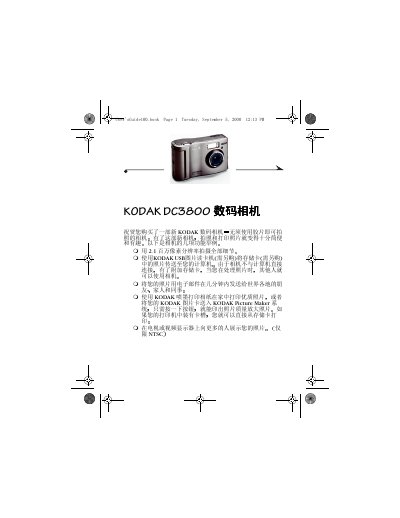
The guide starts with basic setup steps such as installing the AA batteries, inserting a CompactFlash memory card, and turning the camera on and off. It then walks through everyday shooting functions, including autofocus, flash, digital zoom, and how to preview and delete photos.
Later sections cover advanced camera settings like image quality, date‑time stamping, language selection, and formatting the memory card. Software installation instructions, troubleshooting tips, and warranty information are also provided. This manual is written in Chinese.
| File Format | JPEG / EXIF |
|---|---|
| Storage Media | CompactFlash (ATA compatible) |
| ISO Sensitivity | ISO 100 |
| Flash Range | 1.6‑8.2 ft (0.5‑2.5 m) |
| Battery Type | 2 × AA (included) |
Select the format option in the camera menu to format the CompactFlash card before first use or when needed.