
This document provides the user's guide for KODAK DIGITAL SCIENCE ª DC220 and DC260 Zoom Cameras, as well as KODAK Installation Software, KODAK Camera Properties Software, KODAK Mounter Software, and KODAK Acquire/TWAIN Software. It describes the features of the cameras and their typical uses.
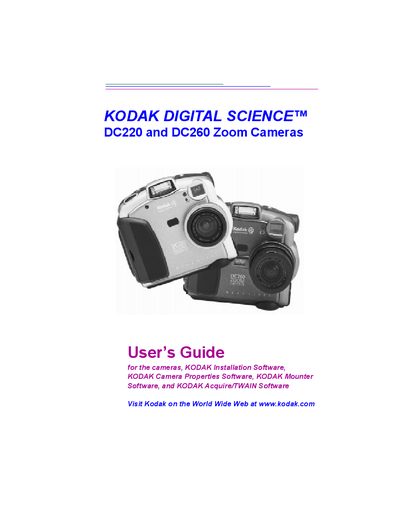
This guide introduces the Kodak DC220 and DC260 Zoom Cameras, describing their main features such as built‑in flash, removable memory card, infrared remote control, and interchangeable zoom lenses. It walks users through getting started, configuring camera settings, and using the mode dial for capture, review, connect, and info functions.
The manual also covers connecting the cameras to a computer via RS‑232, USB, or infrared transceiver, installing Kodak software (Mounter, TWAIN, Digital Access), transferring and managing pictures, and provides tips for troubleshooting and obtaining further help.
| Zoom lens | 2X (29‑58 mm) on DC220, 3X (38.4‑115.2 mm) on DC260 |
|---|---|
| Flash | Built‑in flash with red‑eye reduction |
| Memory card | Removable memory card |
| Remote connection | Infrared remote connection to compatible devices |
Use the camera’s TV output function to display pictures on a television.