
This document is the user guide for the KODAK DC3200 digital camera, providing instructions on how to use the camera and important considerations.
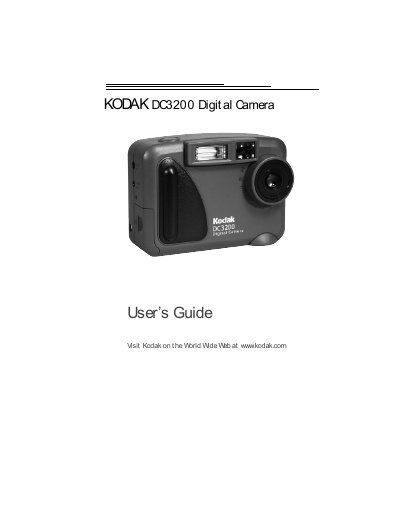
This manual walks you through getting started with the Kodak DC3200 digital camera, including battery installation, picture card handling, and basic operation such as turning the camera on, selecting shooting modes, and adjusting flash and picture quality. It also covers how to review, copy, protect, and delete pictures stored in internal memory or on a CompactFlash picture card.
Later sections describe installing the Kodak DC3200 Picture Transfer Software on a computer, connecting the camera via USB, using the software to transfer and organize images, and troubleshooting common issues. Warranty, regulatory information, and an appendix with technical specifications are provided at the end of the guide.
| Camera CCD Resolution | 1,344 x 971 (1.31 million pixels) |
|---|---|
| Lens Type | Optical quality glass |
| Power Batteries | 4 AA 1.5‑V alkaline or 1.2‑V Ni‑MH rechargeable |
| Internal Memory | 2 MB flash memory |
| Dimensions (W × D × H) | 4.4 in × 2.1 in × 3.2 in |
Set the Power/Mode switch on the back of the camera to the Capture or Review position to turn it on, and set it to OFF to turn it off.
The camera provides 2 MB of internal flash memory for picture storage.