
This manual provides information on how to use the Kodak DC215 Zoom Digital Camera.
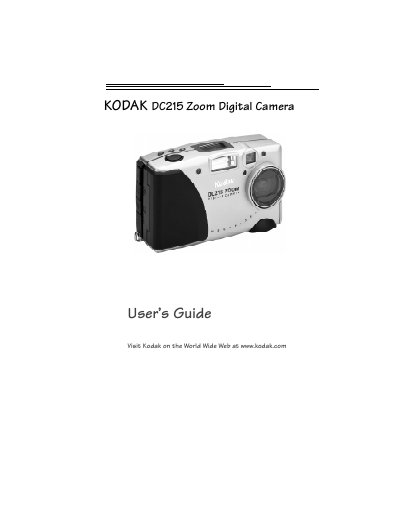
This guide walks you through getting started with the Kodak DC215 Zoom Digital Camera, including battery installation, memory card handling, and basic camera controls. It also covers how to set the clock, adjust exposure, and use the zoom and flash functions.
Additional sections provide detailed instructions for connecting the camera to a computer, installing Kodak software, and troubleshooting common issues. An appendix lists the camera specifications, default settings, and safety information. This manual is written in Chinese.
| Pixel Resolution | 1160 x 864 (1.00 MP) |
|---|---|
| Lens Type | Optical quality glass |
| Optical Zoom | 2X |
| Focal Length | 29 to 58 mm (35 mm equivalent 4.4 to 8.8 mm) |
| Power (Batteries) | Four AA alkaline or Ni‑MH rechargeable |
| Dimensions (W × L × H) | 4.5 in × 1.7 in × 2.7 in |
| Weight | 10.6 oz (303 g) without batteries |
| Operating Temperature | 32 °F to 104 °F (0 °C to 40 °C) |
Slide the Power switch to the right; the green ready light and status display will turn on.
The camera uses four AA batteries, either alkaline or Ni‑MH rechargeable.
It uses a CompactFlash (KODAK Picture Card) memory card.