
This manual describes the features and use of the KODAK DC265 Zoom digital camera.
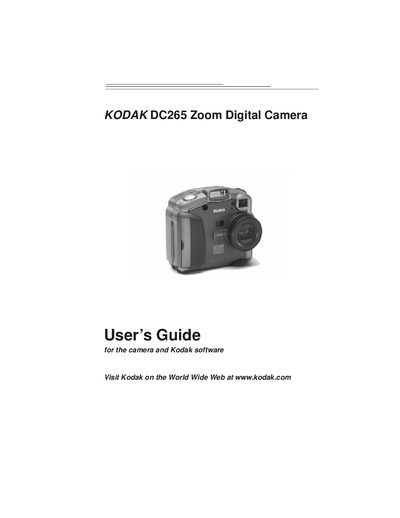
This guide introduces the Kodak DC265 Zoom Digital Camera, covering basic operation, power management, battery handling, and picture‑taking features such as exposure compensation, picture type, quality, and zoom functions. It also explains the camera’s status LCD, flash, self‑timer, and advanced focus and exposure modes.
The manual details how to connect the camera to a PC or Macintosh using USB, serial, or IrDA interfaces, install the accompanying software, and transfer or edit pictures with Mounter, TWAIN Acquire, or Plug‑In Acquire utilities. Additional sections cover viewing and organizing images, adding sound or watermarks, slide‑show and video preferences, troubleshooting tips, and warranty information.
You can connect the camera using a USB cable, a serial cable, or an IrDA transceiver as described in the connection section.
Follow the PC System requirements and the Installing software sections to install the Kodak software on a Windows computer.
Use Sleep mode to conserve power, or connect the AC adapter or battery charger when needed.
Use the "Adding sound to a picture" feature in Quickview as described in the guide.