
This is the user's guide for the KODAK DC200 Plus Camera and KODAK DC210 Plus Zoom Camera. The guide provides information on the camera specifications and features, as well as the installation and acquisition software.
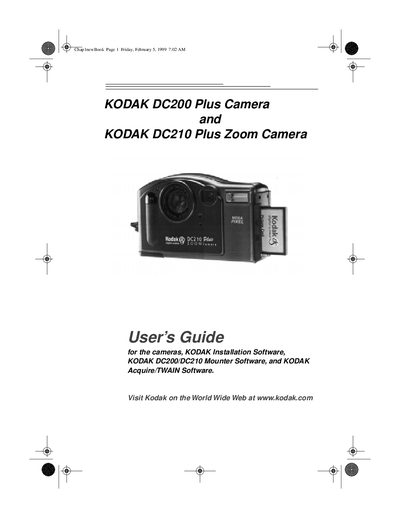
This guide introduces the Kodak DC200 Plus Camera and the DC210 Plus Zoom Camera, describing their features such as built‑in flash, LCD preview, removable memory card, and video‑out capability. It walks you through getting started, using the mode dial, and connecting the camera to a computer.
The manual also covers the accompanying installation, mounter, and TWAIN software, detailed camera specifications, memory‑card handling, zoom functions for the DC210, and a full troubleshooting section for common issues.
| Picture Pixel Resolution (High) | 1152 x 864 |
|---|---|
| Picture Pixel Resolution (Standard) | 640 x 480 |
| Flash Range (DC200) | 2.23 ft. to 9.84 ft. |
| Flash Range (DC210 wide) | 1.6 ft. to 9.84 ft. |
| Power | 4 AA batteries |
| Video Out | NTSC or PAL |
| Storage | External ATA Compact Flash Card |
| Operating Temperature | 40 °F to 104 °F (4.4 °C to 40 °C) |
The camera is powered by four AA batteries.
The DC200 flash works from 2.23 ft. to 9.84 ft. (0.7 m to 3.0 m).
Use the video‑out connector, which outputs NTSC or PAL signals.