
This document is a user guide for the KODAK DC240/DC280 Zoom Digital Camera, providing instructions and information about its usage and features.
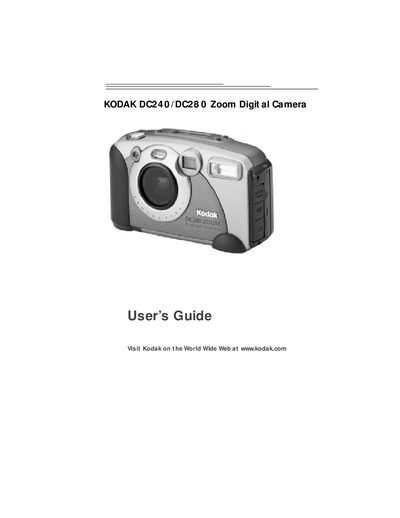
This guide walks you through getting started with the Kodak DC240 and DC280 Zoom Digital Cameras, including battery installation, memory card handling, and basic camera controls. It also covers software installation for Windows and Macintosh computers and how to connect the camera via serial or USB cables.
Additional sections detail picture review, customization options such as borders and white balance, power‑saving features, and troubleshooting tips. Warranty and regulatory information are provided at the end of the manual.
Slide the POWER switch to the right; the status display on top of the camera will turn on.