
Key facts
Start here
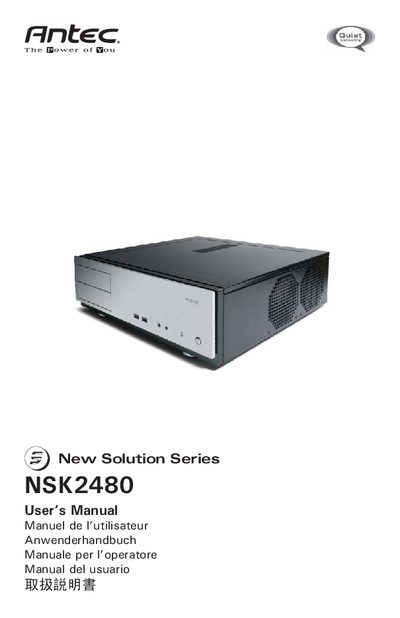
Antec NSK2480 Desktop Case User Manual
The NSK2480 is a quiet desktop case featuring a triple‑chamber design that separates the power supply, motherboard, and hard‑drive areas for better heat and noise isolation. It ships with an EarthWatts 380 W ATX12V 2.2 power supply, dual +12 V rails, 80 PLUS certification, and two pre‑installed 120 mm TriCool fans.
The manual walks through installing the motherboard, connecting power and LED cables, attaching USB and audio headers, mounting hard drives, and securing 5.25" devices. It also details airflow paths, fan speed settings, and recommended clearances to keep vents unobstructed for optimal cooling.
Antec NSK2480 specifications
| Power Supply Wattage | 380 W |
|---|---|
| Power Supply Standard | ATX12V version 2.2 |
| Fan Size | 120 mm |
| Dimensions (Fan) | 120 x 120 x 25.4 mm |
| Rated Voltage (Fan) | DC 12 V |
| Operating Voltage (Fan) | 10.2 V ~ 13.8 V |
All Antec NSK2480 documents by type
Day-to-day operation, settings and troubleshooting. Start here if the product is already set up.
Questions answered in these manuals
How many fans are pre‑installed and what size are they?
The case comes with two 120 mm TriCool fans pre‑installed next to the CPU.
What fan speed setting is recommended for quiet operation?
The default fan speed is Low, which is recommended for quiet computing.