
This document provides instructions on the installation and configuration of the D-Link AirPlus XTREME GTM wireless access point, as well as the features and characteristics of the product.
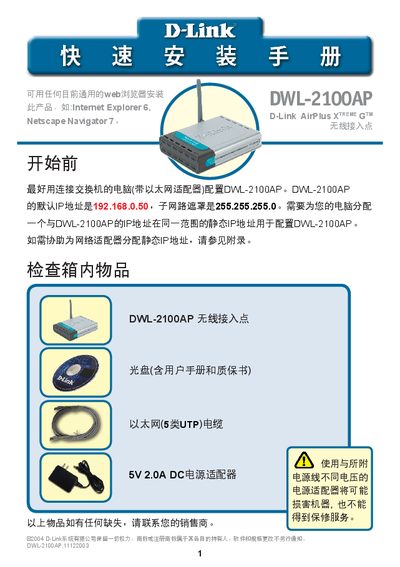
This guide walks you through preparing the hardware, assigning a static IP address, and connecting the DWL-2100AP to your network. It includes a checklist of box contents, power‑up procedures, and details on the Auto‑MDIX Ethernet port.
After the hardware is ready, the built‑in Setup Wizard helps you configure the device: set an administrator password, define the SSID and channel, and enable optional WEP encryption. The appendix shows how to assign a static IP on Windows or macOS, and the technical support section provides contact information. This manual is written in Chinese.
| Default IP address | 192.168.0.50 |
|---|---|
| Subnet mask | 255.255.255.0 |
| Default SSID | dlink |
| Default channel | 6 |
| Encryption options | 64‑bit and 128‑bit WEP |
| Power adapter | 5 V 2.0 A DC |
The default IP address is 192.168.0.50.
Press the reset button on the back of the unit to restore factory settings.
The default SSID is "dlink" and the default channel is 6; encryption is disabled by default.
It uses a 5 V 2.0 A DC power adapter.