
This manual introduces the basic functions and features of the D-Link DSL-2740B Wireless ADSL Router. It also provides detailed installation and configuration instructions.
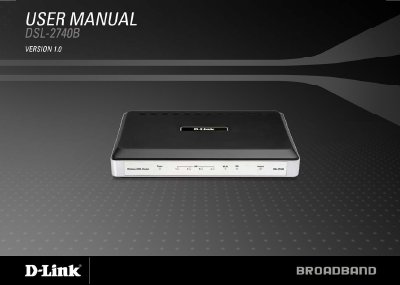
This manual covers the D‑Link DSL‑2740B wireless ADSL router, describing its hardware features, wireless capabilities, and security functions. It guides users through installation, network connection, and basic configuration using the web‑based interface.
Key sections include installation steps, wireless LAN setup, advanced options such as port forwarding, QoS, parental controls, firmware updates, and detailed troubleshooting. Technical specifications and support contact information are also provided.
| ADSL Standards | ANSI T1.413 Issue 2, ITU G.992.1 (G.dmt) Annex A, ITU G.992.2 (G.lite) Annex A, ITU G.994.1 (G.hs), ITU G.992.5 Annex A |
|---|---|
| Maximum downstream data rate (ADSL2) | up to 24 Mbps downstream / up to 1 Mbps upstream |
| Wireless speed (802.11n) | up to 270 Mbps |
| Frequency range (Wi‑Fi) | 2.4 GHz to 2.484 GHz |
| Antennas | 3 detachable dipole antennas |
You need an ADSL Internet service, a computer with at least a 200 MHz processor, 64 MB memory, a CD‑ROM drive, an Ethernet adapter with TCP/IP, Windows XP/2000, Internet Explorer 6 or later, and the D‑Link Click’n Connect utility.
Press and hold the reset button for ten to fifteen seconds while the router is powered on.
The device can achieve up to 270 Mbps using 802.11n.