
This is the user manual of D-Link DSL-2650U Wireless G ADSL2+ Router
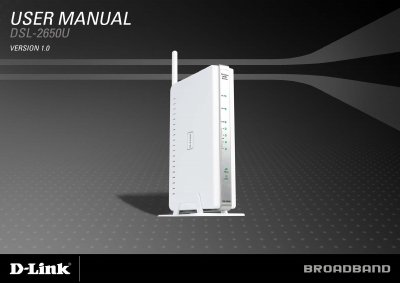
This manual introduces the D-Link DSL-2650U wireless G ADSL2+ router, its hardware components, and the features it supports such as PPP, DHCP, NAT, and QoS. It guides users through installation, wiring, and initial configuration using the web‑based utility.
Detailed sections cover advanced settings like routing, security, wireless bridge mode, and firmware updates, as well as troubleshooting tips and networking basics to help users maintain reliable Internet connectivity.
| ADSL Standards | ANSI T1.413 Issue 2, ITU G.992.1 (G.dmt) Annex A |
|---|---|
| Data Transfer Rate (downstream/upstream) | up to 8 Mbps downstream, up to 1 Mbps upstream (G.dmt) |
| Wireless Transfer Rates | IEEE 802.11b: 1‑11 Mbps, IEEE 802.11g: up to 54 Mbps |
| Media Interface | ADSL RJ‑11 connector, LAN RJ‑45 10/100BASE‑T |
Press and hold the Reset button for at least seven seconds while the router is powered on.
The Power LED stays solid green when the unit is on, the LAN LED is solid green for a valid link, and the WLAN LED blinks to show wireless activity.
Make sure the ISP username and password entered in the web‑based configuration manager match the credentials provided by your ISP.