
This document is the user manual for D-Link DNS-343, which describes the features and characteristics of the product, including hardware overview, installation, configuration, function settings, and troubleshooting.
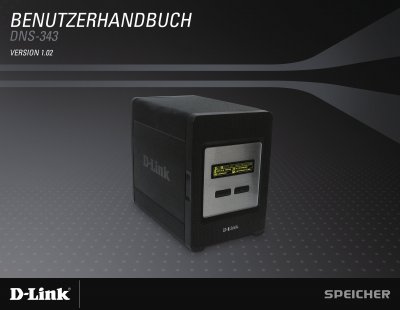
The DNS-343 is a 4‑bay network storage enclosure that supports up to four 3.5" SATA hard drives and offers RAID 0/1/5/JBOD, an OLED status display, and built‑in FTP, UPnP AV and iTunes servers. It includes a Gigabit Ethernet port, USB 2.0 host for a printer or UPS monitoring, and a fan with speed control.
The manual covers unpacking, hardware installation, software setup with the Easy Search utility, web‑based configuration, user and group management, quota control, and troubleshooting steps such as resetting the device or replacing drives. This manual is written in German.
| Form factor | 4‑Bay Network Storage Enclosure |
|---|---|
| LAN port | 10/100/1000 Mbps Auto‑MDIX Gigabit Ethernet |
| Drive interface | Integrated SATA 3.5" HDD interface |
| Display | 18 × 64 OLED screen |
| RAID support | RAID 0/1/5/JBOD |
| Maximum drives | Up to four 3.5" SATA drives |
| USB port | USB 2.0 Type‑A |
No. The USB port is only for a printer or UPS monitoring; external drives are not supported.