
This document is a quick installation guide for D-Link DIR-635 RANGEBOOSTER NTM 650 ROUTER, which introduces the product's features and characteristics and installation methods.
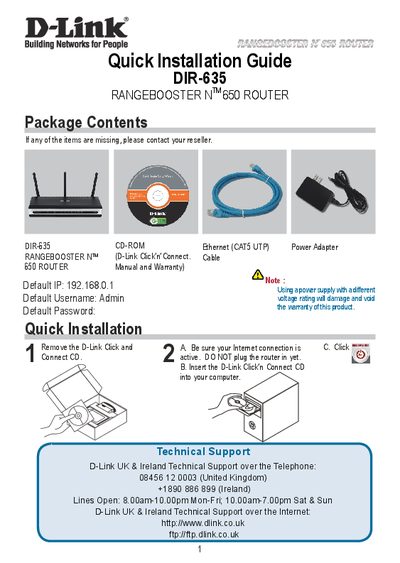
This guide walks you through the quick installation of the D-Link DIR-635 router, listing the package contents (router, CD‑ROM, Ethernet cable, power adapter) and the default network settings – IP address 192.168.0.1, username Admin, and a blank password. It explains the step‑by‑step process of using the D‑Link Click’n’Connect CD, connecting the router, and activating the internet connection.
The document also gives important WAN configuration advice, especially for users with limited or pay‑as‑you‑go broadband plans. It recommends setting the "Maximum idle timer" to 300 seconds (5 minutes) to automatically drop idle connections and lower usage costs. Technical support contact details for various countries and multilingual notes are included throughout the guide.
| Default IP address | 192.168.0.1 |
|---|---|
| Default username | Admin |
| Default password | (blank) |
| Maximum idle timer (default) | 0 (disabled) |
The default IP address is 192.168.0.1.
Set the Maximum idle timer to 300 seconds (5 minutes) so the router drops the connection after inactivity.