
D-Link SharePort user manual introduces how to connect a multifunction printer, scanner or USB storage device to a D-Link router and share it to multiple computers.
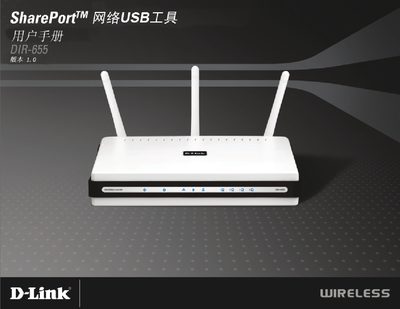
This manual explains how to install the D-Link SharePort WZ8USBL on Windows computers, configure the Network USB Utility, and connect supported printers or MFPs. It includes system requirements, step‑by‑step installation instructions, and options for automatic connection.
Additional sections cover advanced utility settings, device management, and troubleshooting tips for common connection issues such as devices stuck in "Waiting to Connect" or missing driver installations.