
D-Link DWL-G650 Xtreme G 2.4GHz Wireless Cardbus Adapter is a wireless network card that supports 802.11g and 802.11b protocols.
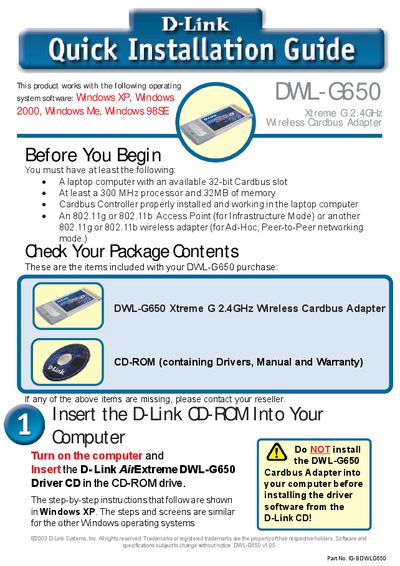
This guide walks you through installing the D-Link DWL‑G650 Xtreme G 2.4 GHz Wireless Cardbus Adapter. It lists the required hardware (a laptop with a 32‑bit Cardbus slot, at least a 300 MHz processor and 32 MB RAM) and the items included in the package (the adapter and a CD‑ROM with drivers, manual and warranty).\n\nThe document details the installation process, from inserting the adapter and running the driver CD to configuring the D‑Link AirPlus Xtreme G utility, setting up WPA if needed, and troubleshooting the Found New Hardware wizard. An appendix explains WPA security and provides network‑configuration tips, while the final pages give technical‑support contact information.
| Wireless Standard | 802.11b/g 2.4 GHz |
|---|---|
| Interface | 32‑bit Cardbus |
| Minimum CPU | 300 MHz |
| Minimum Memory | 32 MB |
| LED Indicator | Link/Activity |
| Antenna | Supports 802.11b |
The package contains the DWL‑G650 adapter and a CD‑ROM that includes drivers, the manual and the warranty.
Run the installer manually, for example by typing “D:\WPA\ageis!5.exe” for Windows XP/2000 or “D:\WPA\ageis!2.exe” for Windows ME/98.
During installation, choose to install the WPA Supplicant; the Appendix also provides details on configuring WPA and WPA‑PSK.