
This is a KVM switch that can be remotely controlled over the network. It requires a PS/2 keyboard, a PS/2 mouse, a VGA or higher resolution monitor, an available Ethernet port and an available USB port.
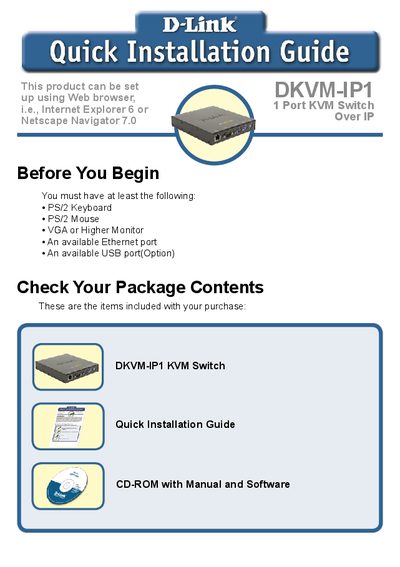
The guide walks you through preparing the DKVM-IP1 KVM Switch, checking package contents, and connecting all required peripherals such as PS/2 keyboard, mouse, VGA monitor, Ethernet, and optional USB. Detailed hardware installation steps show how to attach cables to the front and rear panels and power up the device.
After hardware setup, the document explains how to configure the device’s IP settings, install the Windows or Java client software, and access technical support resources. It also lists the included accessories and provides contact information for D-Link support in various regions.
| Power Adapter | 5 V 2.5 A DC |
|---|---|
| Included Ethernet Cable | Cat.5 |
| USB Cable Length | 6 ft |
| KVM Cable Length | 3 ft |
Install the “KVM Vision Viewer” program that is included on the CD‑ROM that comes with the DKVM‑IP1.
The DKVM‑IP1 is powered by a 5 V 2.5 A DC power adapter.