
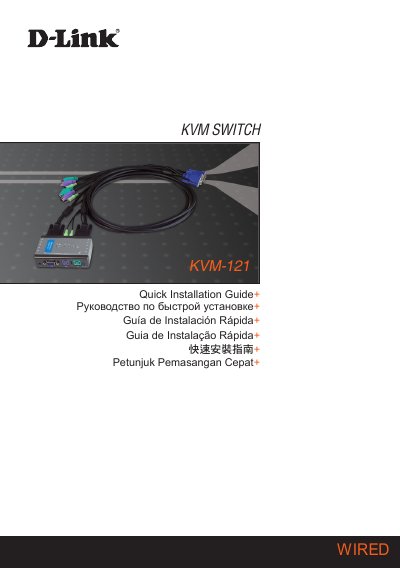
This document is a quick installation guide for D-Link KVM-121 KVM Switch, which introduces the product's system requirements, hardware overview and hardware installation.
The guide provides step‑by‑step hardware installation instructions for the D‑Link KVM‑121, including connecting the PS/2 keyboard, PS/2 mouse, VGA video, and audio jack to both computers. It also explains how to attach the supplied KVM cables and power on the computers after wiring.
Switching between the two PCs can be done via the select button or hot‑key combinations using the Scroll Lock key. The document finishes with troubleshooting tips for keyboard, mouse, video and audio issues, plus technical support contact information. This manual is written in Chinese.
| Keyboard interface | PS/2 |
|---|---|
| Mouse interface | PS/2 |
| Video interface | VGA |
| Audio interface | 3.5 mm jack |