
D-Link DIR-600 is a wireless router that supports 802.11b and 802.11g devices, and has advanced firewall features.
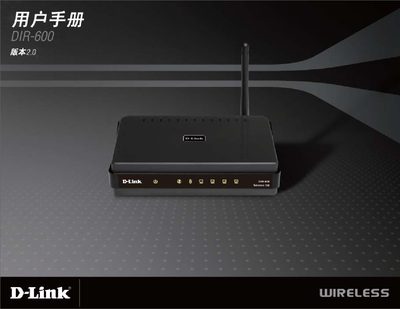
This manual covers the basic installation steps for the D-Link DIR-600, including connecting the LAN ports, powering the device (5V = 1.2A), and using the reset button to restore factory defaults. It also explains the LED indicators such as the Internet and WLAN LEDs that show connection status.
The guide details wireless configuration options, supporting 150 Mbps Wi‑Fi, WPA‑PSK, WPA2‑PSK, and WPA/WPA2 (RADIUS) security modes. Compatibility with Windows®, Macintosh®, and Linux operating systems is described, along with browser recommendations for the web‑based setup interface.
| Wireless Speed | 150 Mbps |
|---|---|
| Security Protocols | WPA‑PSK, WPA2‑PSK, WPA/WPA2 (RADIUS) |
The DIR‑600 supports WPA‑PSK, WPA2‑PSK, and WPA/WPA2 (RADIUS) encryption.