
This document provides information on precautions and preparations before using CASIO products, including checking accessories and installing straps. It also provides important information about the user manual and explains the characteristics of the LCD panel. Users are reminded to take test shots to confirm the camera's functionality. Finally, the document includes a general guide and information about the display screen.
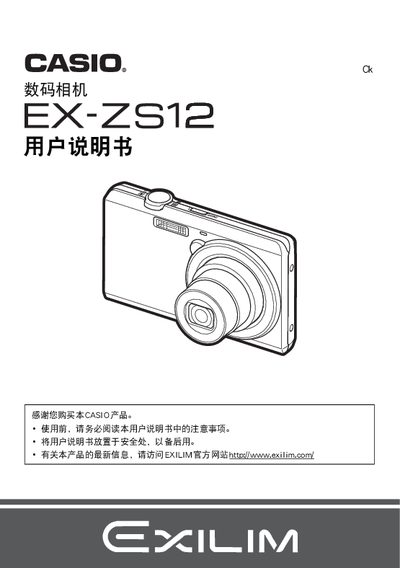
This manual explains how to safely set up the Casio EX‑ZS12 digital camera, check the package contents, install the battery and charger, and prepare the device for use. It includes important safety notices, handling guidelines, and basic operating procedures such as power on/off, mode selection, and basic shooting functions.
Later sections cover advanced features like playback, image settings, connectivity (USB, PictBridge, Eye‑Fi), battery charging, and troubleshooting. Reference tables list specifications for the battery, charger, dimensions, and environmental limits, helping users maintain optimal performance. This manual is written in Japanese.
| Battery voltage | 37 V |
|---|---|
| Battery capacity | 600 mAh |
| Battery operating temperature range | 0 °C to 40 °C |
| Charger input voltage | 100‑240 V AC |
| Charger input frequency | 50‑60 Hz |
| Charger output voltage | 5.0 V DC |
| Charger output current | 650 mA |
| Camera dimensions (W × H × D) | 35.5 mm × 40.2 mm × 5.0 mm |
| Camera weight | 14 g |
Connect the supplied USB‑AC charger (model AD‑C53U) to an AC outlet (100‑240 V, 50‑60 Hz) and plug the charger’s USB cable into the camera’s charging port.
The battery is rated at 37 V with a capacity of 600 mAh.
The camera is designed to operate between 0 °C and 40 °C.
The camera measures 35.5 mm wide, 40.2 mm high, and 5.0 mm deep, and weighs about 14 g.