
This document introduces the packaging contents, basic operations, methods for taking photos and animations, as well as some advanced settings and other practical functions of the CK EX-Z8 K839PCM2DMX camera.
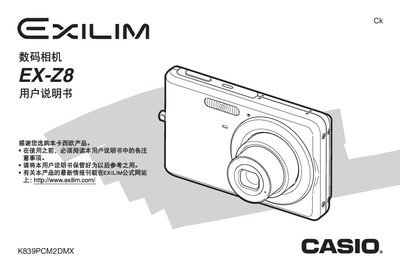
This manual introduces the EX‑Z8 camera, covering unpacking, battery installation, basic operation, shooting modes, playback, and menu settings. It guides users through safety precautions, battery management, and essential functions.
The guide also details advanced features such as white‑balance, exposure compensation, USB transfer, printing, and troubleshooting steps to resolve common issues. This manual is written in Japanese.
| Battery voltage | 3.7 V DC |
|---|---|
| Battery capacity | 200 mAh |
| Battery weight | 118 g (excluding battery and accessories) |
| Operating temperature | 0 °C to 40 °C |
| Dimensions (camera) | 59 mm (H) × 19.8 mm (W) × ? mm (D) |
| Weight (camera) | 118 g (excluding battery and accessories) |
| Charger input voltage | 100‑240 V AC, 80 mA, 50/60 Hz |
| Charging time | ≈90 minutes |
Approximately 90 minutes.
100‑240 V AC, 80 mA, 50/60 Hz.
0 °C to 40 °C.
200 mAh.