
This is a digital camera instruction manual, which introduces the use of the camera, precautions, etc.
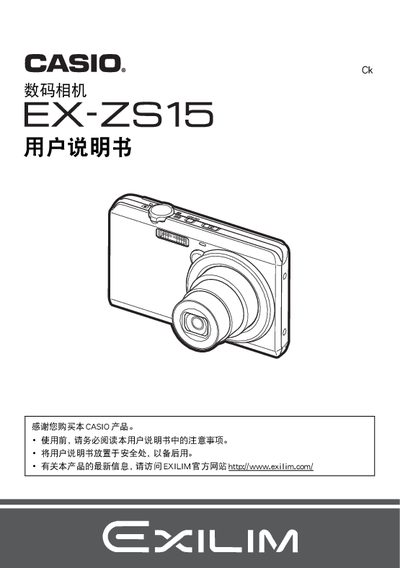
This manual guides users through unpacking the EX‑ZS15, checking included items such as the USB‑AC adapter (AD‑C53U) and NP‑120 lithium‑ion battery, and installing the battery and memory card. It explains basic functions, menu navigation, touch‑screen operation, and how to configure settings like ISO, white balance, and shooting modes.
Additional sections cover connecting the camera to Windows or Mac computers, using Eye‑Fi wireless SD cards, printing photos, and performing maintenance tasks such as battery replacement and factory reset. Troubleshooting tips and safety warnings are also included. This manual is written in Chinese.
| Battery model | NP-120 |
|---|---|
| Battery voltage | 3.7 V |
| Battery capacity | 600 mAh |
| Battery dimensions | 35.5 mm × 40.2 mm × 5.0 mm |
| Battery weight | ≈149 g |
| Adapter model | AD‑C53U |
| Adapter input voltage | 100‑240 V AC, 50‑60 Hz |
| Adapter output | 5.0 V DC, 650 mA |
| Adapter dimensions | 53 mm × 21 mm × 45 mm |
| Adapter weight | ≈379 g |
Charge the battery using the supplied USB‑AC adapter (model AD‑C53U) or by connecting the camera to a USB power source.
Connect the camera to a Windows or Macintosh computer with the USB cable, or use an Eye‑Fi wireless SD card for wireless transfer.
Format the internal memory or the memory card, or use the reset option in the menu to restore factory settings.
The camera uses an NP‑120 lithium‑ion battery rated at 3.7 V, 600 mAh, with dimensions 35.5 × 40.2 × 5.0 mm and weight about 149 g.