
This document is the user manual for the CASIO digital camera Ck, which includes information about precautions, checking accessories, and contact details.
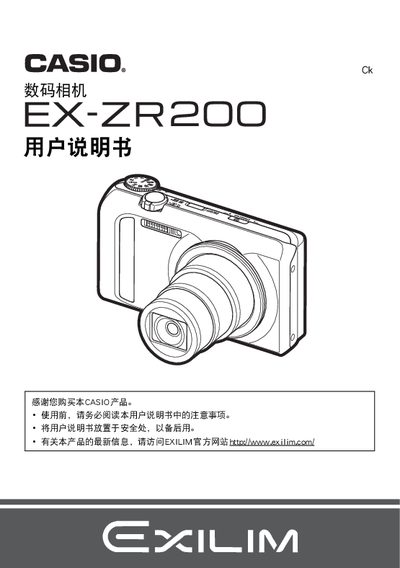
This manual begins with safety notices, package contents, and initial setup steps such as battery installation (NP‑130) and charging using the USB‑AC adapter (AD‑C53U). It explains basic operation, menu navigation, and how to configure shooting modes, exposure, white balance, and other image settings.
Later sections cover playback functions, file management, connectivity options (USB, Eye‑Fi, PictBridge), and detailed specifications of the camera and its accessories. The guide also includes troubleshooting tips, maintenance procedures, and regulatory information. This manual is written in Japanese.
| Battery capacity | 1800 mAh |
|---|---|
| Charging adapter output | 5.0 V DC, 650 mA |
Connect the camera to a computer with the USB‑AC adapter (model AD‑C53U) or use Eye‑Fi for wireless transfer.
The camera can operate from 0 °C to 40 °C.
Select the format option in the menu to format the internal storage.