
This is an operation manual for a watch. It introduces some functions and usage methods of the watch in detail
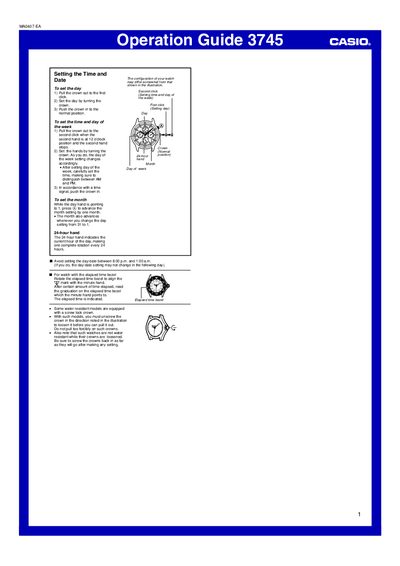
The Operation Guide provides step‑by‑step instructions for using and configuring the Omega 3745 watch. It covers crown handling, water‑resistance precautions, and the functions of the elapsed‑time bezel and 24‑hour hand.
Key procedures include unscrewing the crown on water‑resistant models, setting the day, time, day‑of‑week, month, and using the elapsed‑time bezel to measure intervals. The guide also notes important timing restrictions when adjusting the day‑date display. This manual is written in Chinese.
| Crown type | screw‑lock (requires unscrewing before pulling) |
|---|---|
| 24‑hour hand rotation | one rotation per 24 hours |
Pull the crown out to the first click, turn it to set the day, then push the crown back in.
Pull the crown out to the second click when the seconds hand is at 12 o’clock, turn the crown to set the hands and the day‑of‑week, then push the crown in.
While the day hand points to 1, press the A button to advance the month setting by one month.
Avoid setting the day‑date between 8:00 p.m. and 1:00 a.m., as the change may not take effect the next day.