
This is the user manual of Canon digital video camera, which introduces how to operate the camera for shooting and playback, including initial settings, basic functions, advanced functions, external connections, and other information.
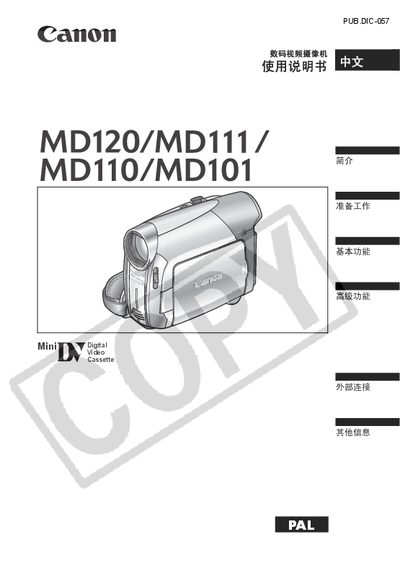
This manual provides step‑by‑step instructions for preparing, operating, and maintaining the Canon MD120/MD111/MD110/MD101 digital video camcorder. It includes safety warnings, component guides, menu navigation, and troubleshooting tips.
Key sections cover power setup, LCD screen adjustment, video and audio recording settings, image effects, and how to connect the camcorder to a computer for file transfer. This manual is written in Chinese.
| Power adapter model | CA-590E |
|---|
Only the CA-590E small power adapter should be used; other adapters may damage the camcorder.