
This document is the user manual of Canon QV-2000UX digital camera, which introduces basic usage methods of the camera, including battery installation, time setting, shooting, etc.
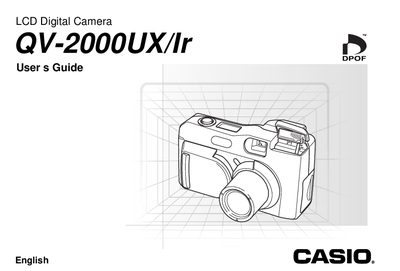
This manual provides step‑by‑step instructions for operating the Casio QV-2000UX digital camera, including battery installation, basic recording functions, playback, and data transfer. It also covers safety precautions, accessory usage, and troubleshooting tips.
Detailed sections describe menu navigation, image deletion, memory‑card handling, infrared communication, and specifications such as power consumption, dimensions, and battery life.
| Monitor | 1.8" TFT, low‑glare color LCD (122,100 pixels, 555 × 220) |
|---|---|
| Power Consumption | Approximately 6.6 W |
| Battery Types | Four AA‑size alkaline or lithium batteries (or Ni‑H rechargeable) |
| Dimensions | 129.5 mm × 75 mm × 61 mm (W × H × D) |
| Weight | Approximately 315 g (excluding batteries) |
| Clock | Built‑in quartz digital timepiece with auto‑calendar to 2049 |
Use the video out connector and follow the instructions in the “Connecting to a Television” section (page E‑95).