
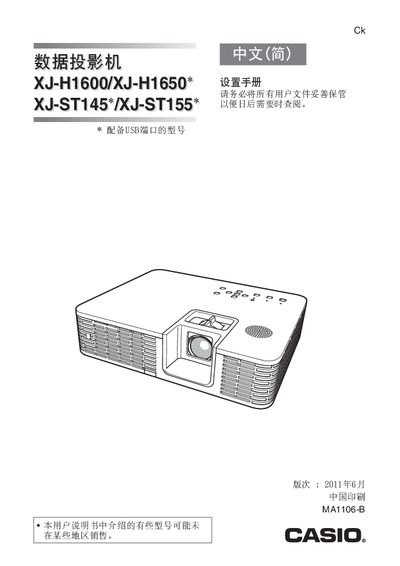
CASIO date Projector XJ-S145*/XJ-ST155* solutions manual


CASIO date Projector XJ-S145*/XJ-ST155* solutions manual - cover page
Brand
Casio
Category
Projector
Document type
User Manual
Language
Chinese
Pages
25
File format
PDF
File size
1.1 MB
Published
13 March, 2012
Updated
29 September, 2023
MD5 checksum
FE33258D4F3CA3097EE5C2E1B41909B9

About this manual

This manual provides safety instructions, power‑supply guidelines, and step‑by‑step setup procedures for the Casio XJ‑H1600/XJ‑H1650 data projector. It covers handling of the USB‑equipped models, lens cover removal, battery safety for XJ‑ST145/155 variants, and wireless adapter usage.

Additional sections describe cleaning, troubleshooting, and environmental compliance, including disposal and hazardous‑substance information. Users are instructed to back up important data stored in the projector before maintenance. This manual is written in Chinese.

What's inside

  • Safety Instructions
  • Power Supply and Cable Use
  • Projector Setup and Alignment
  • Lens Cover Removal
  • Battery Handling (XJ‑ST145/155)
  • Wireless Adapter Precautions
  • Cleaning and Maintenance
  • Troubleshooting
  • Environmental & Disposal Information

Specifications

USB Port AvailabilityEquipped on certain models
Document VersionJune 2011

Frequently asked questions

How should I clean the projector safely?

Turn off the projector, unplug the power cord, and then clean it; otherwise there is a risk of electric shock.

Download PDF (1.1 MB)

More Casio Manuals


View all Casio manuals →