
This manual describes the USB functions of the CASIO data projector, including how to insert a USB device, install software, use EZ-Converter FA to convert PowerPoint files to ECA files, use the reader to project the contents of a storage device, how to use the YC-400/YC-430 document camera for presentations, and how to project graphics calculator screens.
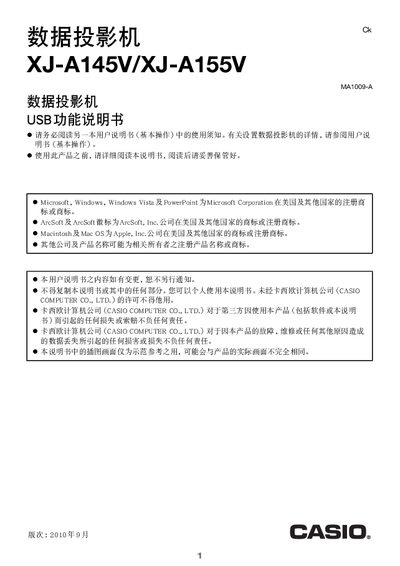
The manual describes the USB functions of the Casio XJ‑A145V/XJ‑A155V data projector. It covers how to insert USB storage devices, install the EZ‑Converter FA and ArcSoft MediaConverter software, and use the projector's built‑in reader to display files.
It also explains the use of optional accessories such as the CASIO YC‑400/YC‑430 document camera and the CASIO fx‑9860G series graphing calculator, details plug‑and‑play behavior, and lists system requirements for the accompanying PC software.
| Maximum JPEG file size | 8 MB |
|---|---|
| Supported animation format | AVI (dynamic JPEG) up to 1280×720 |
| Maximum data transfer speed | 15 Mbps |
| Maximum frame rate | 24 fps at 1280×720, 30 fps at lower resolutions |
| Audio format for animation files | ADPCM |
The projector supports AVI (dynamic JPEG) files up to 1280×720 resolution, with a maximum data rate of 15 Mbps, and frame rates of 24 fps at 1280×720 or 30 fps at lower resolutions.