
This manual describes how to use the CASIO data projector XJ-H1600/XJ-H1650*, XJ-ST145*/XJ-ST155*.
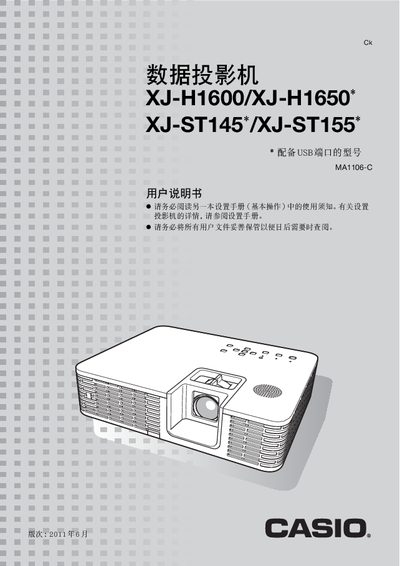
This manual provides step‑by‑step instructions for installing, configuring, and using the Casio XJ‑H1600/XJ‑H1650 projector. It covers basic functions such as power on, input source selection, image adjustment, 3D mode, and Eco (energy‑saving) mode.
Advanced topics include password protection, LAN and USB connectivity, cleaning procedures, error indicators, and detailed specifications of the projector’s optical and electronic components. This manual is written in Chinese.
| Projection system | DLP |
|---|---|
| Light source | Laser and LED |
| Brightness | 2500–3500 lumens |
| Resolution | XGA (1024 × 768) |
| DLP chip size | 0.7 inch |
| Optical zoom | 1.2× manual |
| HDMI output | HDMI Type‑A (1 port) |
| USB ports | USB‑A (1) and USB‑B (1) |
| LAN port | RJ‑45 (1 port) |
Insert a USB drive or memory card into the projector’s USB‑A port and use the built‑in software to display PowerPoint files, images, or videos.
Eco mode lets the projector detect ambient brightness and automatically adjust the projected brightness for low power consumption.
The projector provides a high brightness of 2500 to 3500 lumens.
Use the Settings menu to activate password protection, then enter a password when powering on the projector.