
This manual describes how to use the CASIO EXILIM digital camera.
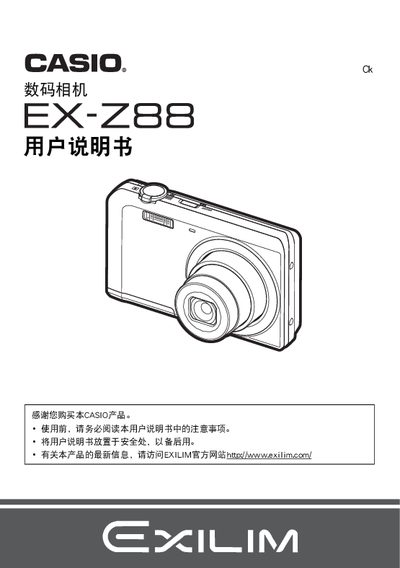
This manual explains how to set up and operate the Casio EX‑Z88 digital camera, covering basic functions such as power on/off, charging, shooting modes, playback, and connectivity. It also includes safety notices and legal information from the manufacturer.
Detailed sections describe battery handling, USB‑AC adapter usage, PictBridge printing, self‑timer operation, BEST SHOT mode, and configuration of image settings. The final part lists the technical specifications of the camera and its accessories. This manual is written in Japanese.
| Battery voltage | 37 V |
|---|---|
| Battery capacity | 700 mAh |
| Operating temperature (camera) | 0 °C to 40 °C |
| Weight (camera) | 19 g |
| USB‑AC adapter model | AD‑C53U |
| Input voltage (adapter) | 100‑240 V AC, 50/60 Hz, 100 mA |
| Output voltage (adapter) | 5.0 V DC, 650 mA |
| Operating temperature (adapter) | 5 °C to 35 °C |
| Weight (adapter) | 37 g |
Use the camera’s PictBridge function to connect to a compatible printer and select images with DPOF for printing.
Activate the self‑timer function from the camera’s menu (Self‑timer).
The battery capacity is 700 mAh.