
This document is the operating instructions for network camera WV-NP1000, WV-NP1004, which introduces how to monitor images on PC, how to transmit images on network, how to configure the settings of the network camera etc.
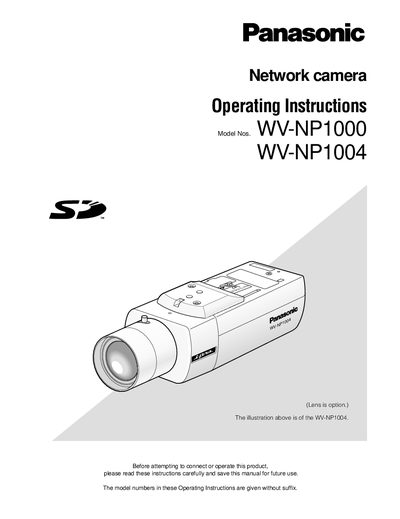
These operating instructions describe how to set up and operate the Panasonic WV‑NP1000 and WV‑NP1004 network cameras. They explain how to connect the camera to a network, monitor live images on a PC via a web browser, and use FTP functions to transmit or store images.
The manual also details the camera’s on‑screen setup menu, including basic camera settings, image and audio configuration, multi‑screen display, alarm handling, authentication, and server/network configuration. Security recommendations such as changing the default password and user‑level access limits are provided.
| Default user name | admin |
|---|---|
| Default password | 12345 |
| Maximum concurrent users | 8 |
| Lens | Optional |
Up to eight users can access the camera concurrently.