
This is a product user manual that introduces the use of WV-NP240/244 network camera
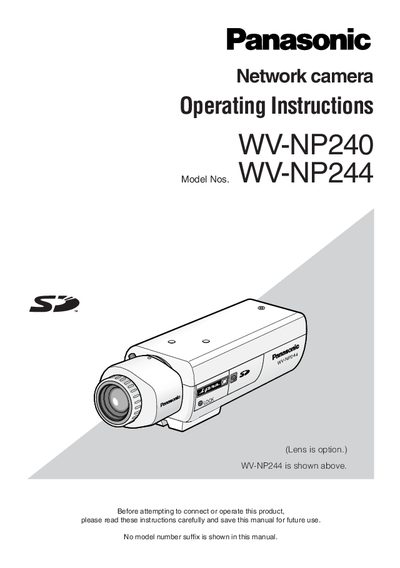
This manual covers important safety instructions, warranty limitations, and basic precautions for the Panasonic WV‑NP240/WV‑NP244 indoor network camera. It explains how to safely install the unit, connect power, and avoid hazards such as electric shock, moisture, and overheating.
The guide details the installation process, PC system requirements, network configuration using Panasonic IP setting software, SD‑memory‑card handling, and troubleshooting. Technical specifications such as sensor resolution, frame rate, PoE power, audio compression, and supported SD‑card capacities are also listed.
| Image sensor resolution | 640 x 480 pixels (VGA) |
|---|---|
| Maximum frame rate | 30 fps (VGA resolution) |
| Power over Ethernet (PoE) compliance | IEEE802.3af |
| Audio compression method | G.726 (ADPCM) 32 kbps/16 kbps |
| Transmission type | Pull / Push |
| Maximum concurrent camera streams | 8 cameras (4 groups x 2) |
| Operating temperature range | +5 °C to +35 °C (41 °F‑95 °F) |
| Maximum humidity | Below 90 % |
| Supported SD‑memory‑card capacities | 64 MB – 1 GB |
Connect the camera to a Power over Ethernet (IEEE802.3af) device with a LAN cable; the cable supplies both data and power.