
Philips Songbird is a computer media management software that allows you to manage media sets, synchronize GoGear and computer media library, update firmware to enhance player functions, perform repairs and register GoGear on www.philips.com/welcome. For the best playback and the latest features, we strongly recommend you update your player's firmware. The firmware can only be updated through Philips Songbird.
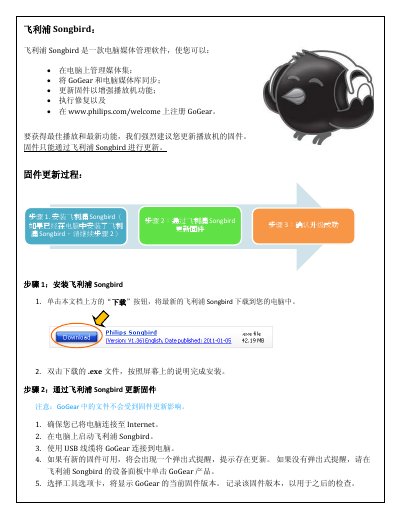
The document describes the firmware update process for the Philips GoGear media player using the Philips Songbird software. It starts with downloading and installing Songbird, then connecting the GoGear device via USB and checking for available firmware updates.
After the update is downloaded, the software installs the new firmware automatically. The guide also shows how to verify a successful upgrade by checking the firmware version in the GoGear settings after it restarts. This manual is written in Chinese.