
Philips 19PFL3120/T3 22PFL3120/T3 24PFL3120/T3 TV User Manual

This manual describes how to use the Philips 19PFL3120/T3, 22PFL3120/T3, 24PFL3120/T3 TV.
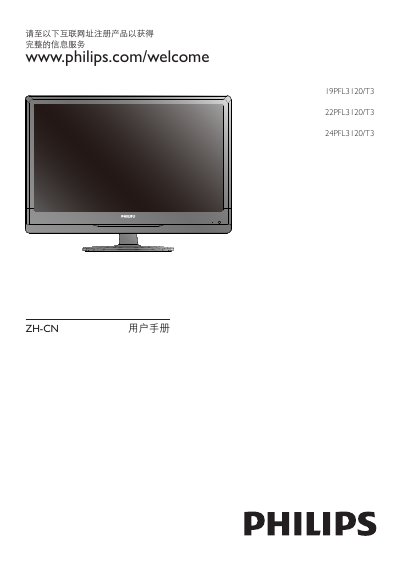

Philips 19PFL3120/T3 22PFL3120/T3 24PFL3120/T3 TV User Manual - cover page
Brand
Philips
Category
Monitor
Document type
User Manual
Language
Chinese
Pages
24
File format
PDF
File size
3.7 MB
Published
12 March, 2012
Updated
30 September, 2023
MD5 checksum
511F612597F53595A9C20769CDEE5C50

About this manual

This manual covers safety precautions, remote control and side-panel controls, basic TV operation, channel installation, device connections, picture and sound settings, USB media playback, and troubleshooting for the listed Philips TV models.

It also explains standby operation, volume and mute controls, source selection, channel navigation, and resetting the TV to factory settings. This manual is written in Chinese.

What's inside

  • Announcement
  • Important information
  • Your TV
  • Using the TV
  • Getting the most from your TV
  • Installing channels
  • Connecting devices
  • Product information
  • Troubleshooting
  • China RoHS marking requirements

Frequently asked questions

How do I put the TV in standby?

Press the standby-on button on the remote control or the power button on the side of the TV.

How do I mute the TV?

Press the Mute button.

How do I restore sound after muting?

Press Mute again or Volume +.

How do I select a signal source?

Press Source to display the source list.

Download PDF (3.7 MB)

More Philips Manuals


View all Philips manuals →