
Specifications of TL-WA500G 54M Wireless Access Point, including brand, model, and functions
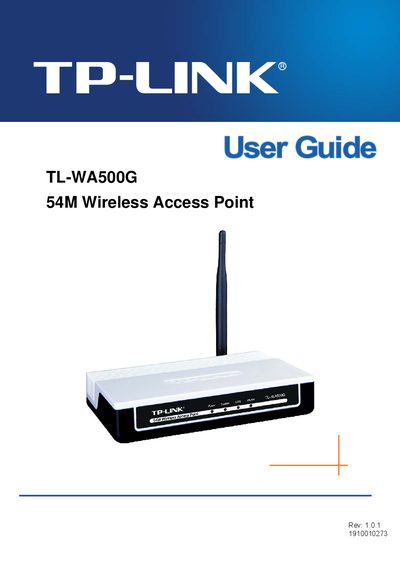
This guide explains how to install, configure, and maintain the TL‑WA500G 54 Mbps Wireless Access Point. It includes hardware installation steps, basic requirements, and detailed configuration of wireless settings, security, and system tools.
The manual also covers advanced features such as MAC filtering, DHCP settings, factory defaults, backup and restore procedures, as well as a troubleshooting appendix and full product specifications.
| Wireless speed | 54 Mbps |
|---|---|
| Frequency band | 2400.0‑2483.5 MHz |
| Standard compliance | ETSI EN 300 328 V1.7.1 |
| Supported wireless modes | 802.11b (11 Mbps) and 802.11g (54 Mbps) |
Reorient or relocate the receiving antenna, increase the separation between the equipment and receiver, connect the device to a different circuit, or consult a dealer or experienced technician.
The package contains the TL‑WA500G access point, a resource CD, a power adapter, and two Ethernet cables.
Select the Factory Defaults option under System Tools in the device’s web interface.
The device supports WEP and WPA (including WPA‑PSK and WPA‑Enterprise) for wireless security.