
This is a user manual for a notebook power adapter, which is suitable for notebooks of HP, Acer and Fujitsu brands.
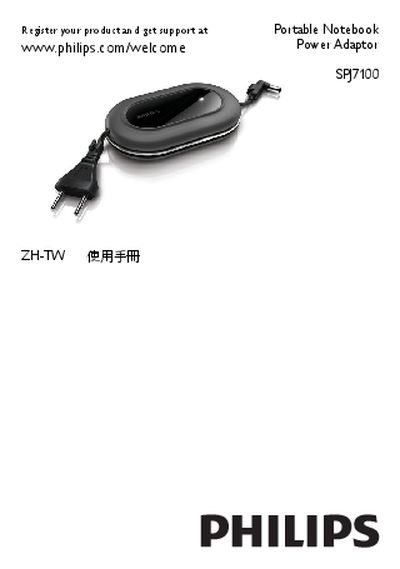
This manual describes the Philips SPJ7100 portable notebook power adaptor, its output voltages, connector sizes and a comprehensive list of compatible notebook models from major brands. It helps you select the correct connector and shows the physical layout of the adaptor, AC plug, LED indicator and cable connections.
The guide walks you through connecting the adaptor to your notebook, explains LED status indications, and offers troubleshooting tips for charging issues or overheating. Recycling instructions and warranty details are also included. This manual is written in Chinese.
| Output Voltage | 19V |
|---|---|
| Connector Size | 4.75/1.7 x 12mm |
| Alternative Output Voltage | 16V |
| Alternative Connector Size | 6.5/4.3 (1.4) x 12mm |
| Connector Size (5.5 mm version) | 5.5/2.5 x 12mm |
| Maximum Input Power | >65W |
The selected connector may not match your notebook model; verify the connector using the notebook connector list or the manual.
The adaptor may be powering a notebook that requires more than 65 W; allow it to cool before reuse.
The voltage is printed on the connector; look for markings such as 16V or 19V.