
Philips GoGear SA1915 SA1916 SA1918 SA1922 SA1924 SA1925 SA1926 SA1927 SA1928 SA1929 SA1942 SA1945 SA1946 SA1947 SA1948 SA1949 Music player user guide

This is a quick start guide for Philips GoGear audio player. It covers the features of the player, installation, connection, charging, transfer, enjoying etc.
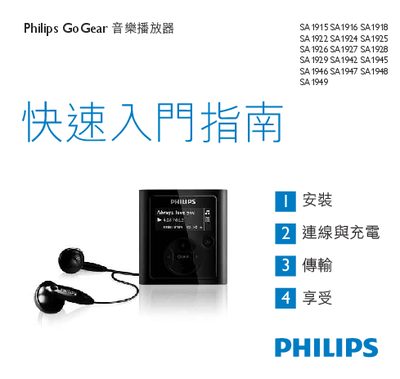

Philips GoGear SA1915 SA1916 SA1918 SA1922 SA1924 SA1925 SA1926 SA1927 SA1928 SA1929 SA1942 SA1945 SA1946 SA1947 SA1948 SA1949 Music player user guide - cover page
Brand
Philips
Category
Other Electronics
Document type
User Manual
Language
English
Pages
15
File format
PDF
File size
646 KB
Published
28 February, 2012
Updated
30 September, 2023
MD5 checksum
C9DC81FC5CADB706F5F37B0BD56234C1

About this manual

This manual provides the essential information for using Philips GoGear portable music players (models SA1915‑SA1949). It includes safety notices, regulatory compliance statements, and copyright information.

The guide lists system requirements (Pentium III 500 MHz, 128 MB RAM, Windows 2000/XP/Vista) and describes how to install Philips Device Manager and connect the player via USB. It also outlines basic operation steps and troubleshooting tips.

What's inside

  • Introduction
  • Safety and Compliance
  • System Requirements
  • Installing Philips Device Manager
  • USB Connection
  • Warranty and Copyright

Specifications

Supported Operating SystemsWindows 2000, Windows XP, Windows Vista
Minimum CPUPentium III 500 MHz
Minimum RAM128 MB

Frequently asked questions

Which operating systems are supported by the GoGear devices?

The devices work with Windows 2000, Windows XP, and Windows Vista.

How do I install the Philips Device Manager?

Insert the CD, run the installer, and follow the on‑screen prompts to complete the installation.

Download PDF (646 KB)

More Philips Manuals


View all Philips manuals →