
This quick start guide introduces how to connect and set up your Philips MCD300 DVD/CD player.
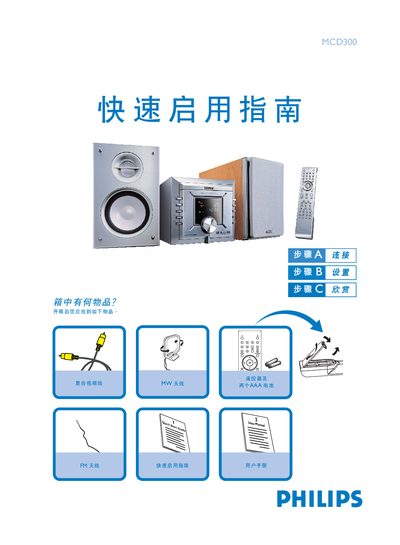
The guide begins with an unboxing checklist, confirming that the remote control with two AAA batteries, FM and MW antennas, composite video cable, and speaker cables are included. It then explains how to connect the antenna cables, composite video cable, and power cord to a TV and mains outlet, and how to select the DISC source on the TV.
Subsequent sections cover setting the clock using the CLOCK button, configuring DVD menu options, playing a CD (opening the tray, inserting the disc, and using the PLAY/STOP keys), and programming radio stations with the PROG and PRESET buttons. Tips for interlaced scan mode and additional functions are also provided. This manual is written in Chinese.
| Remote control battery type | 2 AAA batteries |
|---|---|
| Power source | AC mains |