
This quick start guide shows you how to connect, set up and watch TV programs with your Philips DVDR3570H/DVDR3590H Hard Disk/DVD Recorder.
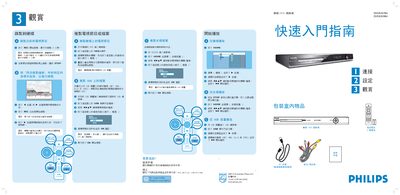
This guide provides step‑by‑step instructions for using the Philips DVDR3570H DVD burner. It explains how to start and stop recordings, select recording length, and use the remote control for playback of TV programs, DVDs and USB media.\n\nThe document also describes how to connect the burner to a TV, antenna, and external devices via CVBS, AUDIO, and USB cables, and lists the available recording modes and their corresponding recording times. This manual is written in Japanese.