
This manual introduces the usage methods of Philips 9FF2 digital photo frame. It includes how to connect power, set time, language, manage photos, create slide shows, etc.
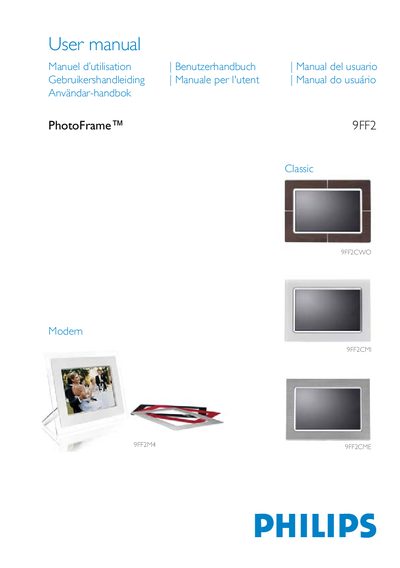
This manual guides you through the initial setup of the Philips 9FF2 PhotoFrame, including power connection, language selection, time/date configuration, and inserting a storage card. It then explains how to view photos in browsing or slideshow mode, manage photos and albums, and create custom slideshows with transition effects and background colors.
Further sections cover settings such as brightness, event reminders, automatic on/off, and how to use the built‑in clock. The help chapter provides troubleshooting steps, common FAQs, and warranty information, while the appendix lists specifications and Philips’ defect‑pixel policy. This manual is written in Chinese.
| Operating humidity | 20 % ~ 80 % |
|---|---|
| Battery charging time (first charge) | ≈ 3 hours |
| Progressive JPEG support | Supported (may be slower) |
No, the LCD screen cannot be touched; it is operated using the rear buttons.
Yes, inserting a different memory card will display the slideshows stored on that card.
When the device is turned off, it reaches about 85 % charge in 2 hours and a full charge in roughly 3 hours.