
This is a user manual for a Bluetooth wireless mouse
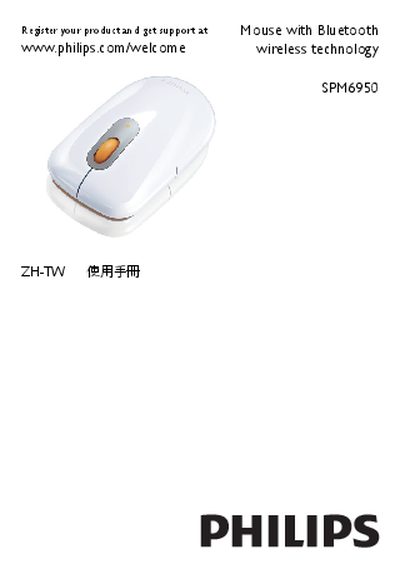
This document is the user manual for the Philips SPM6950/10 Bluetooth notebook mouse. It describes the mouse features, battery indicator states, system requirements, Bluetooth pairing steps for PC and Mac, and basic troubleshooting.
The manual also includes an EC declaration of conformity and lists harmonized standards such as EN 60950-1, EN 60825-1, EN 301 328, EN 301 489-1, EN 301 489-17, EN 55022, and EN 62311. This manual is written in Chinese.
| Product description | Bluetooth notebook mouse |
|---|---|
| Bluetooth version | 2.0 or higher |
| Supported operating systems | Windows 7, XP, Vista; Mac OS X 10.2.8 or higher |
Bluetooth 2.0 or higher; Windows 7, XP, or Vista; Mac OS X 10.2.8 or higher.
Turn on the mouse, press CONNECT, then use the Windows Bluetooth device wizard to add Philips Bluetooth Mouse without a passkey.
Turn on the mouse, press CONNECT, then use Bluetooth Setup Assistant to select Mouse and finish.