
This document is a quick start guide for the Philips DVD Home Theatre System HTS3152. It explains how to connect and set up the home theatre system, as well as how to watch DVDs, use USB devices, and connect other portable audio players.
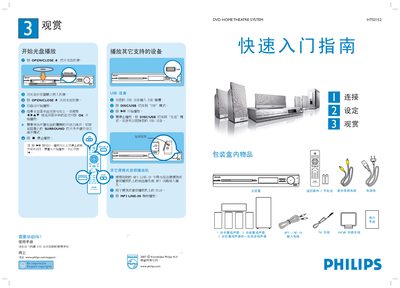
The guide begins with the contents of the box and explains how to open the DVD tray, insert a disc, and start playback using the remote control. It also details USB playback, MP3 LINE‑IN audio input, and basic remote functions such as SURROUND mode and stopping playback.
The second part covers proper speaker placement (center, front, rear, and sub‑woofer), antenna connections for FM/AM, power connection, and how to select the on‑screen language. Instructions for connecting the main unit to a TV via composite video and optional audio cables are also provided. This manual is written in Chinese.
| Speaker configuration | 1 centre, 2 front, 2 rear, 1 sub‑woofer |
|---|---|
| USB playback supported | Yes |
| Power supply | AC mains |